


We have all been there. You find the absolute perfect picture to use as your phone or computer background. You save it, apply it, and suddenly, it looks like a pixelated mess. The crisp details vanish, leaving behind soft edges and muddy colors. Blurry wallpapers are incredibly frustrating, especially when your device has a stunning display meant to showcase beautiful visuals.
The good news is that you no longer have to settle for low-quality screensavers. The core issue usually comes down to simple math regarding pixels and screen sizes. By understanding the root causes of image degradation, you can easily solve the problem. More importantly, making the switch to hd AI wallpapers provides a foolproof way to guarantee every single background you use remains perfectly sharp, vibrant, and customized to your exact device specifications.
The Science of Image Resolution and Screen Sizes
To understand why your backgrounds look bad, we need to talk about image resolution. Every digital picture is made up of tiny squares of color called pixels. When an image has a high resolution, it contains millions of these tightly packed pixels, resulting in clear, sharp details.
When you set a picture as your background, your device attempts to stretch or shrink those pixels to fit its specific screen size. Modern devices, like 4K computer monitors and smartphones with OLED displays, require a massive number of pixels to fill the screen properly.
If you download an image that only has a resolution of 800 by 600 pixels, but your phone screen demands 1170 by 2532 pixels, the device has to fill in the missing information. It stretches the original pixels across a much larger area. This stretching is exactly what causes the blurry, fuzzy appearance you want to avoid.
Why Standard Images Fail as Phone or PC Backgrounds
Beyond simple resolution issues, several other factors destroy image quality when you apply a new background. One major culprit is image compression. When you save a photo from social media or a messaging app, the platform automatically compresses the file to save server space and load quickly.
This compression strips away valuable data from the image file. While the picture might look fine when viewed as a small post on a timeline, expanding it to fill your entire screen exposes all the missing data. You will often notice blocky patches of color or weird halos around objects, known as compression artifacts.
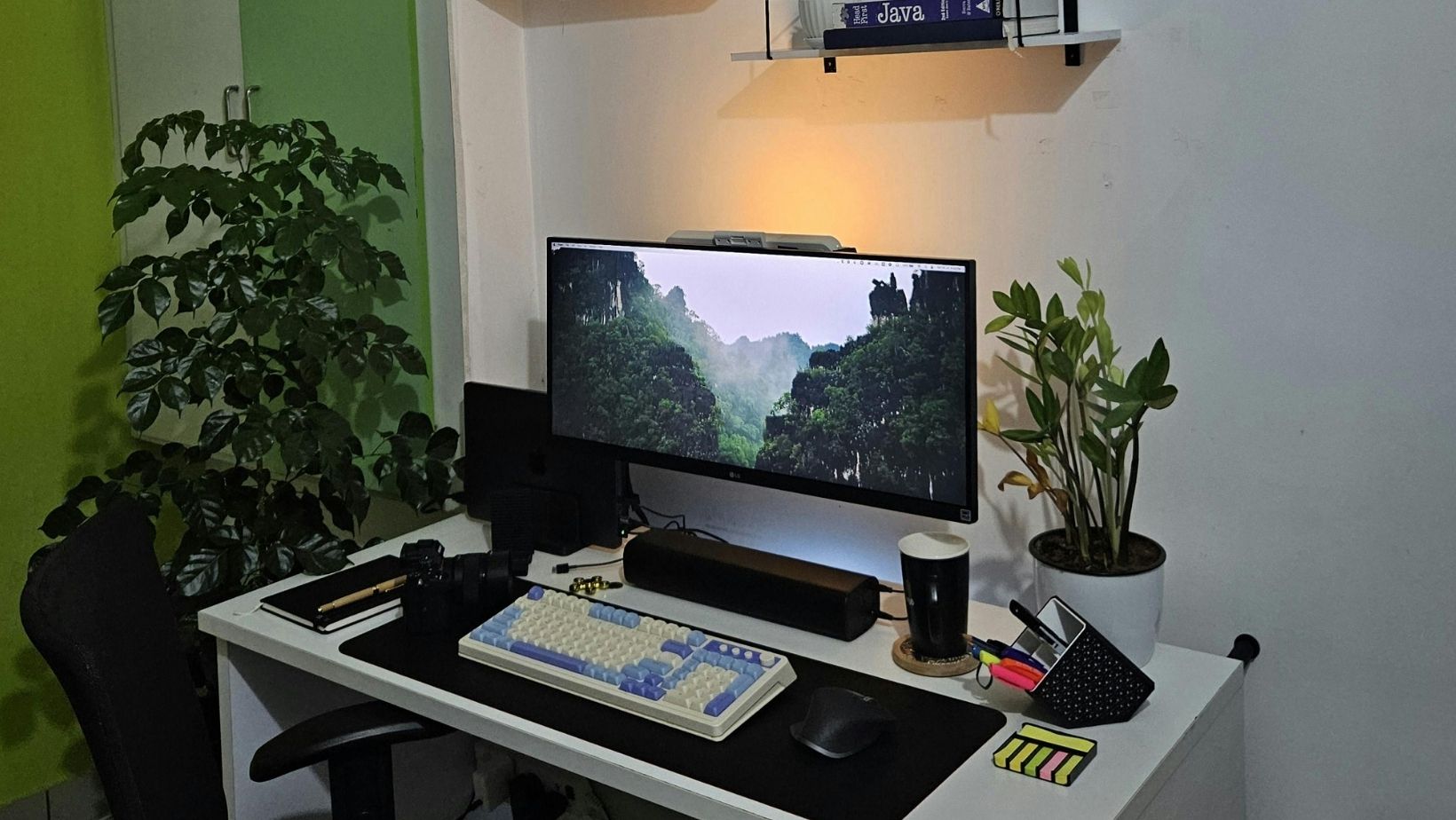
Another frequent issue is the aspect ratio mismatch. Your computer monitor is wide and horizontal, while your phone screen is tall and vertical. If you try to force a wide landscape photo onto a vertical phone screen, the device must zoom in heavily to fill the empty space. This extreme zooming acts just like stretching low-resolution images, instantly creating blurry wallpapers.
What Exactly Are HD AI Wallpapers?
Traditional photography and standard digital art rely on a fixed number of pixels. Once an image is created, making it larger usually ruins the quality. This is where modern technology changes the game. But what are hd ai wallpapers, and why do they solve this specific problem?
Instead of taking an existing photo and trying to stretch it to fit your screen, AI tools generate brand-new images from scratch based on your specific prompts. These advanced algorithms understand exactly how to build a picture pixel by pixel.
When you request an image, the AI can formulate it natively at incredibly high resolutions. There is no stretching, no zooming, and no compression artifacts. The image is born in high definition. This means the final product is inherently designed to look crisp and clear on modern, demanding displays.
How an AI Wallpaper Generator Enhances Image Quality
Using an AI wallpaper generator does much more than just match pixel counts. These intelligent platforms use advanced neural networks trained on millions of high-quality images. They understand how light, shadows, textures, and sharp edges are supposed to look in a professional-grade photograph or digital illustration.
If you input a prompt for a “cyberpunk city at night,” the generator does not just paste elements together. It calculates the exact pixel density needed for the image to look flawless. The AI ensures that the neon lights glow cleanly and the dark shadows remain rich and deep without any blocky noise.
Furthermore, many AI tools offer built-in upscaling features. If you have an older, slightly blurry photo that you love, AI upscalers can analyze the image and intelligently guess the missing details. Instead of just stretching the pixels, the AI draws new details into the image, effectively rescuing older pictures and turning them into viable HD backgrounds.
The Benefits of Using AI Tools for Custom Backgrounds
Aside from fixing resolution issues, switching to AI-generated backgrounds offers incredible creative freedom. You are no longer limited to searching the internet for hours, hoping to find an image that is both beautiful and the correct size for your device.
You can become the artist. If you want a majestic lion wearing a spacesuit rendered in a watercolor style, you can simply type that into the generator. You dictate the exact mood, color palette, and art style. The AI does the heavy lifting to ensure the technical specifications are flawless.
This level of customization means your devices will always reflect your current personality or interests. Better yet, because the images are uniquely generated for you, you will have a one-of-a-kind background that nobody else in the world possesses.
Steps to Create Flawless HD Backgrounds
Creating your own crystal-clear backgrounds is a straightforward process. First, determine the exact screen resolution of the device you want to customize. You can usually find this in your display settings. Knowing your target size is the best way to guarantee a perfect fit.
Next, open your preferred AI generation tool and carefully craft your text prompt. Be descriptive about the subject matter, the lighting, and the overall style you want. Many tools allow you to input your desired aspect ratio or specific dimensions before you click generate.
Once the AI produces your image, review the options and select your favorite. Always make sure to download the file in its highest available quality, preferably as a PNG file, as this format avoids the aggressive compression that ruins standard JPEG files. Finally, apply it to your device and enjoy a perfectly crisp screen.
Conclusion
Dealing with pixelated, low-quality screensavers is a completely avoidable frustration. The root of the problem almost always lies in mismatched image resolution, aggressive file compression, or incorrect aspect ratios. When you try to force a small image to fit a large, high-definition screen, the resulting stretch destroys the visual clarity.
By understanding how your screens handle digital images, you can stop settling for subpar visuals. Utilizing hd ai wallpapers allows you to bypass these traditional limitations entirely. Because these intelligent tools generate images at massive resolutions from the very beginning, they guarantee perfectly sharp, vibrant results every single time. Stop staring at blurry screens and start using artificial intelligence to create the stunning, high-definition backgrounds your devices actually deserve.

